Updated on March 24, 2026
An omnichannel customer experience refers to a unified, customer-centric approach in which organizations deliver a seamless and consistent journey across all touchpoints, including online platforms, physical stores, social media, and mobile applications. It enables customers to transition effortlessly between channels, for example browsing on a mobile device, completing a purchase on a desktop, and returning items in store, without the need to repeat information, supported by centralized data systems that preserve context throughout the interaction.
What Are Omnichannel Customer Experience Tools?
Omnichannel customer experience (CX) tools are software platforms that consolidate multiple communication and sales channels, such as email, social media, live chat, phone, and in store interactions, into a single unified interface. Unlike multichannel solutions that function in isolation, these tools synchronize data in real time, enabling customers to move seamlessly across channels without losing context or needing to repeat information.
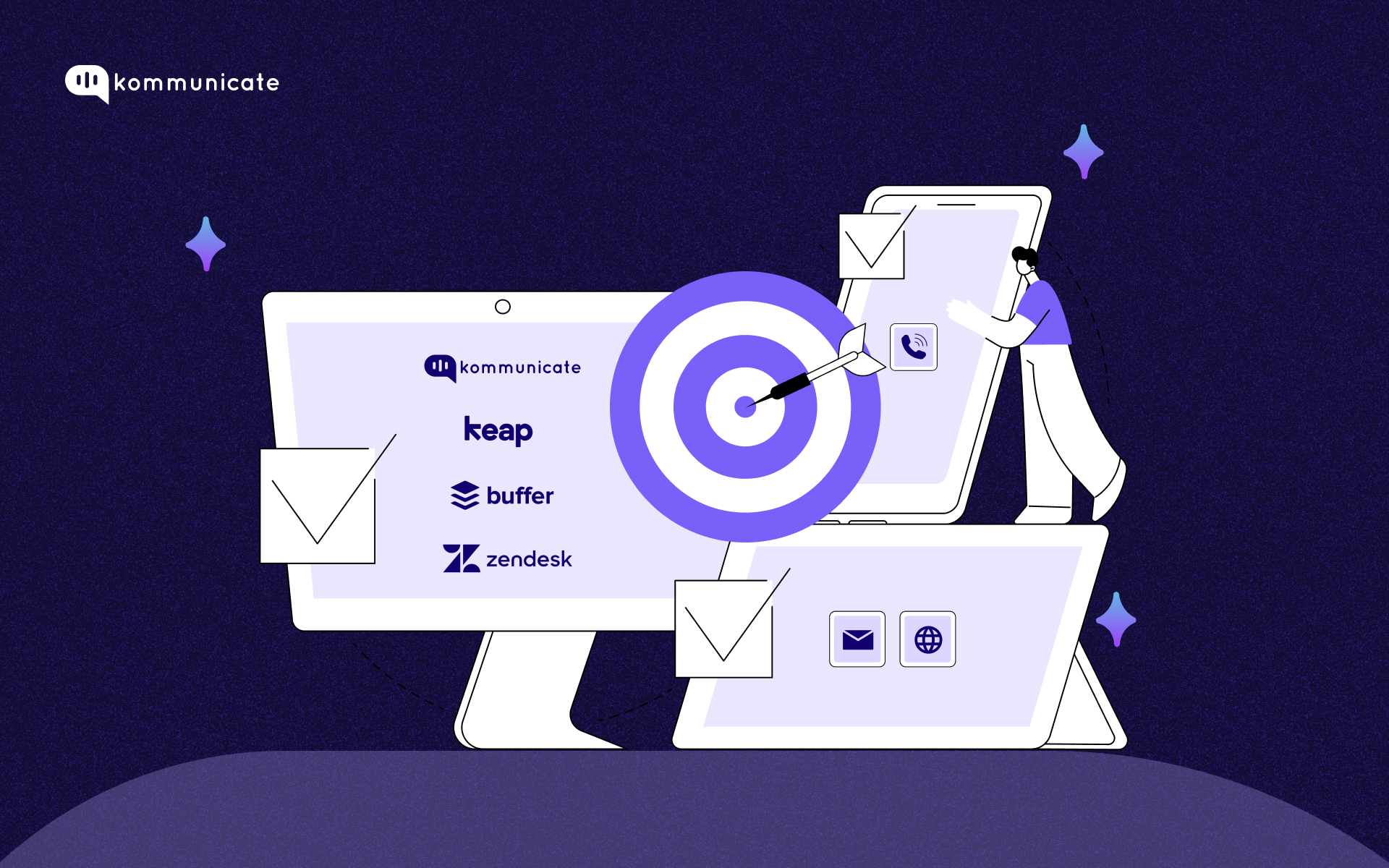
Here’s a quick comparison of the best customer experience tools in 2026
| Tools | G2 Rating | Pricing | Best Feature | Limitations |
| Kommunicate | 4.8/5 | Starts at $34/month for 1 AI Agent and 1 user seat | AI Agent that resolves queries from email, web, and social media with 80% accuracy without any human involvement | Critical business integrations (e.g., Zendesk, Freshdesk, Salesforce) are often locked behind the expensive Enterprise plan. |
| Zendesk | 4.3/5 | Starts at $19/user/month. No AI Agent included | Robust omnichannel support, which unifies emails, chat, voice, and social media into a single agent workspace. | High costs for advanced features, complex setup, and reliance on third-party apps for advanced functionality |
| Microsoft Dynamics 365 | 4/5 | Starts at $65/user/month. No AI Agent included | A central data model connects Sales, Marketing, Customer Service, and Finance, providing a 360-degree view of the customer. | Steep learning curve, high implementation/subscription costs, and complex customization needs. |
| Avaya OneCloud | 4.1/5 | Starts at $25/user/month. No AI Agent included. | Combines on-premise, public, and private cloud solutions, enabling, for example, the use of AI-powered meeting recaps and unified communication tools across hybrid environments. | Avaya has shifted focus towards larger, enterprise-level clients, with notices indicating they may stop supporting public cloud contact centers with fewer than 200 seats. |
| Buffer | 4.3/5 | Starts at $6/user/month. No AI Agent included. | Offers easy multi-account management (Instagram, LinkedIn, TikTok, etc.), allowing for both automatic publishing and manual reminders, ensuring a consistent content flow. | Lack of advanced social listening and streaming features, and sometimes unreliable scheduling that can lead to missed posts. |
| Twilio Flex | 4.1/5 | Starts at $1/active user/hour | A single interface for agents to manage voice, SMS, WhatsApp, email, and web chat. | High customization efforts, steep engineering learning curves, and specific technical constraints |
| Keap | 3.8/5 | Starts at $249/user/month. No AI Agent Included. | Advanced sales and marketing automation (often called “Easy Automations”), which allows small businesses to create custom, trigger-based workflows to capture leads, nurture prospects, and manage payments without manual intervention. | Steep learning curve, high costs that increase significantly with scaling, and limited advanced reporting/analytics |
Here Are Some of the Best Omnichannel Customer Experience Tools in 2026

But before we jump into that, let’s check out on how to choose the right customer experience tool for your unique use case.
How do you Pick the Right Customer Experience Tools?
Choosing the right customer experience tool is critical to ensuring exceptional service and build long-lasting relationships with customers. Here are some of the key factors to consider before choosing a CX tool.
- Map your customer journey: Identify the touchpoints where customers interact with your business. This will help you determine the specific features and capabilities you need from a CX tool.
- Figure out which channel to engage your customers: Customers today expect to engage with businesses across multiple channels, including messaging apps, phones, social media, and email. Choose a tool that supports this omnichannel approach, such as Kommunicate or Freshdesk.
- Consider scalability: The CX tool should be scale according to the growth of your business. So the onus should be look for tools that seamlessly integrates with your existing systems, like CRM or marketing automation systems.
- Take into account automation capabilities: Artificial intelligence (AI) and automation can significantly enhance the customer experience by predicting customer needs, automating repetitive tasks, and giving personalized recommendations.
- Give importance to ease of use: The customer experience tools that you choose will be used by your CS agents and employees on a daily basis. Hence, it is important that you choose a tool that is intuitive and has an easy-to-use interface. Tools such as Hubspot Service Hub and Kommunicate have simple interfaces that take minutes to master.
We know what are omnichannel customer experience tools and how you can go about choosing the best tools for your business. Now, let us take a look at some of the top names in the customer experience space, so that you can choose wisely.
1. Kommunicate

Kommunicate is an AI first customer service automation platform that centralizes customer communications across multiple channels into a single interface. Its shared inbox is intuitive and easy to use, enabling support teams to go live quickly. The platform leverages AI to automatically handle repetitive queries while seamlessly transferring complex or critical issues to human agents.
Kommunicate consolidates customer conversations from channels such as email, web, mobile, WhatsApp, Instagram, Telegram, and others into one platform, ensuring that every interaction is captured and resolved. It also unifies conversations from the same customer across different channels, allowing teams to act on them immediately and deliver faster resolutions.
What You’ll Like About Kommunicate
- Offers a comprehensive suite of features that deliver exceptional omnichannel customer experience.
- Has an open-source SDK that simplifies integration into Android apps, giving customers an engaging and customizable chat interface.
- Has AI-powered chats, rich messaging options like buttons, cards and carousels that enable seamless communication across multiple channels.
- Even users without coding knowledge can build complex chatbots using the Kompose bot builder with a Flow designer.
What You May Not Like
- Kommunicate’s SDK needs Android 4.1 (API level 16) or higher, which can limit the app’s reach.
- For smaller projects or individuals, the pricing may be a bit expensive for higher tiers.
Pricing
- Kommunicate Starter at $34/month for small teams.
- Kommunicate Professional for $167/month for larger teams.
- Kommunicate Enterprise – custom pricing for enterprises.
2. Zendesk
Zendesk is a name that needs no introduction, and the company has been around for more than a decade and a half now. According to the makers themselves, Zendesk allows you to “meet your customers where they are,” and provide truly omnichannel support, no matter the channel.
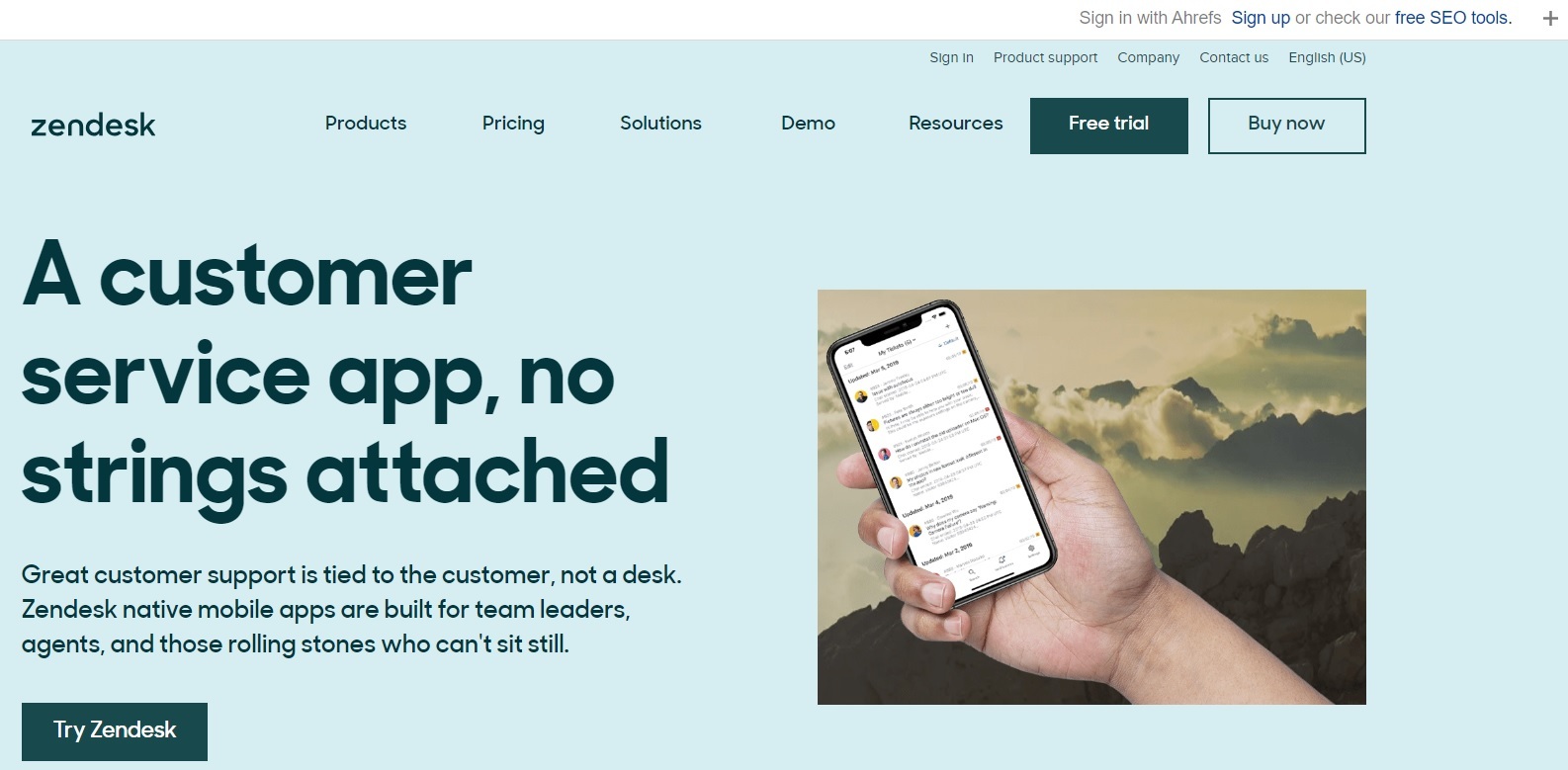
Zendesk’s Unified Agent Workspace gives agents access to valuable customer data, as they can communicate with customers across channels without switching between tools and dashboards.
What You’ll Like About Zendesk
- Zendesk is an omnichannel customer experience platform where agents can get seamless access to support across multiple channels.
- It gives access to live chat, AI-powered chatbots, and rich messaging options for effortless communication.
- It has excellent customization capabilities that allow businesses to tailor the experiences to their brand.
- OpenAPI enhances integration and extensibility, giving companies the ability to deliver a personalized experience across multiple touchpoints.
What You Won’t Like
- During high-traffic scenarios, there have been issues or delays in message delivery.
- Individual developers and smaller teams may be put off because you need to create a Zendesk account and get the necessary credentials.
- Pricing is steep, especially for higher tiers, which may be a concern for smaller businesses.
Pricing
- Zendesk Suite Team at $55/agent/month
- Zendesk Suite Growth at $89/agent/month
- Zendesk Suite Professional at $115/agent/month
- Zendesk Suite Enterprise at custom pricing.
3. Microsoft Dynamics 365
For enterprises that are already invested in the Microsoft ecosystem, Microsoft Dynamics 365 is a feature-rich omnichannel customer experience tool that ticks most of the boxes.
Released in November 2016 as a successor to Dynamics CRM, the tool is both a CRM and an ERP.
Dealing with your customers or dealing with your back office functions, everything is covered by Microsoft Dynamics 365. Readers should note that this is different from Microsoft 365, which is a set of office productivity tools such as Microsoft Word, PowerPoint, and Excel.
What You’ll Like About Microsoft Dynamics 365
- Microsoft Dynamics 365 gives access to unified customer data across all channels (social, mobile, web. etc.)
- There are AI-powered virtual agents that will make sure your customers get a truly personalized experience.
- Microsoft Dynamics 365 is tightly integrated with Power BI, Office 365, and Azure, which ensures that there is greater productivity.
- It is feature-rich AI-powered assistance through Copilot, integrated MS Teams collaboration and unified routing. All these features enhance agent productivity.
What You Won’t Like
- For small businesses, the user interface can be a bit complicated and overwhelming.
- Microsoft Dynamics 365 provides limited out-of-the-box functionality for certain industries.
- Implementation can be time-consuming. Also, integration with non-Microsoft systems will require additional resources.
Pricing
| Small and Medium Business | First Dynamic 365 app | Subsequent qualifying dynamic 365 app |
| Business central essentials | From $70/user/month | |
| Business central premium | From $100/user/month | |
| Customer service professional | $50/user/month | $20/user/month |
| Sales professional | $65/user/month | $20/user/month |
4. Avaya OneCloud
Avaya OneCloud is a powerful CX platform that combines advanced features, AI-driven capabilities and cloud-based flexibility. Best suited for enterprises that are looking for a comprehensive cloud-based solution that has excellent communication capabilities and a good CRM integration.
Avaya provides unified communications, a contact center, and workforce engagement tools.
What You’ll Like About Avaya Onecloud
- A unified interface for managing multiple communication channels like voice, video, chat, email, and messaging.
- OneCloud comes with scalable and flexible deployment options (public, private, or hybrid cloud).
- OneCloud is known for its reporting and analytics, live monitoring capabilities for supervisors, and quality management features for agent performance reviews.
- OneCloud Contact Center As A Service (CCaaS) uses cloud computing to allow remote and home-based agents. This enhances productivity from anywhere.
What You Won’t Like
- Enterprises with legacy systems may find the initial setup and configuration process complex.
- Pricing is not transparent and can be a bit more flexible for businesses that have different budgets and requirements.
- Avaya OneCloud has limited out-of-the-box social media integration.
Pricing
- Digital $48 per user per month
- Voice $83 per user per month
- All-media $125 per user per month
5. Buffer
Okay, so Buffer may not be a full-fledge omnichannel customer experience tool like the other ones mentioned on this list, but it stands out as a social media management platform, and hence makes the cut. To provide a truly omnichannel experience, you may need to combine Buffer with other tools that provide live chat and customer support.
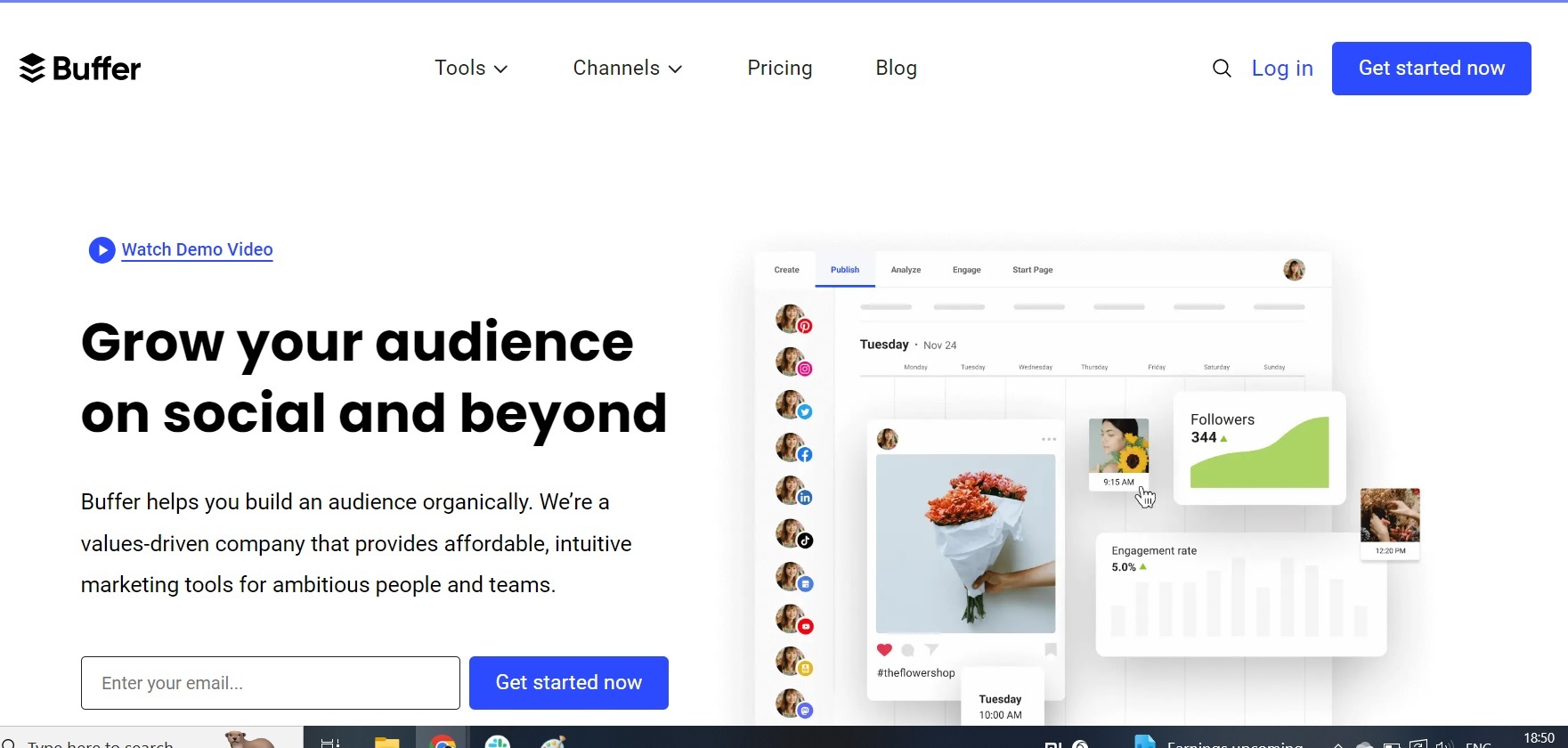
The problem statement that Buffer solves is pretty much the one that led to the foundation of the company way back in 2010. It is a feature-rich and reliable tool for managing social media campaigns and optimizing content performance across channels.
What You’ll Like About Buffer
- Buffer is a great tool if you want to schedule and target social media messages, and see how your content is performing across various channels.
- The tool has a user-friendly interface and seamless integration with popular tools and platforms, including WordPress. This makes it a perfect choice for small businesses.
- Buffer’s collaborative tools facilitate team collaboration and enhance workflow efficiency.
What You Won’t Like
- Buffer does not provide integration with CRM or customer service platforms.
- Even though it is advanced, the tool does not have a built-in social listening or sentiment analysis feature.
- Buffer’s onboarding process can be further simplified, and they can provide more customer support resources that will enhance the effectiveness of campaigns.
Pricing
- Free plan for up to 3 channels.
- Essentials for $5/month for 1 channel
- Team for $10/month for 1 channel
- Agency for $100/month for 10 channels.
6. Twilio Flex
Twilio Flex is an omnichannel customer experience solution that works best for businesses that have strong technical capabilities. It enables seamless integration of various communication channels, including voice, SMS, chat, and WhatsApp, into one combined interface.
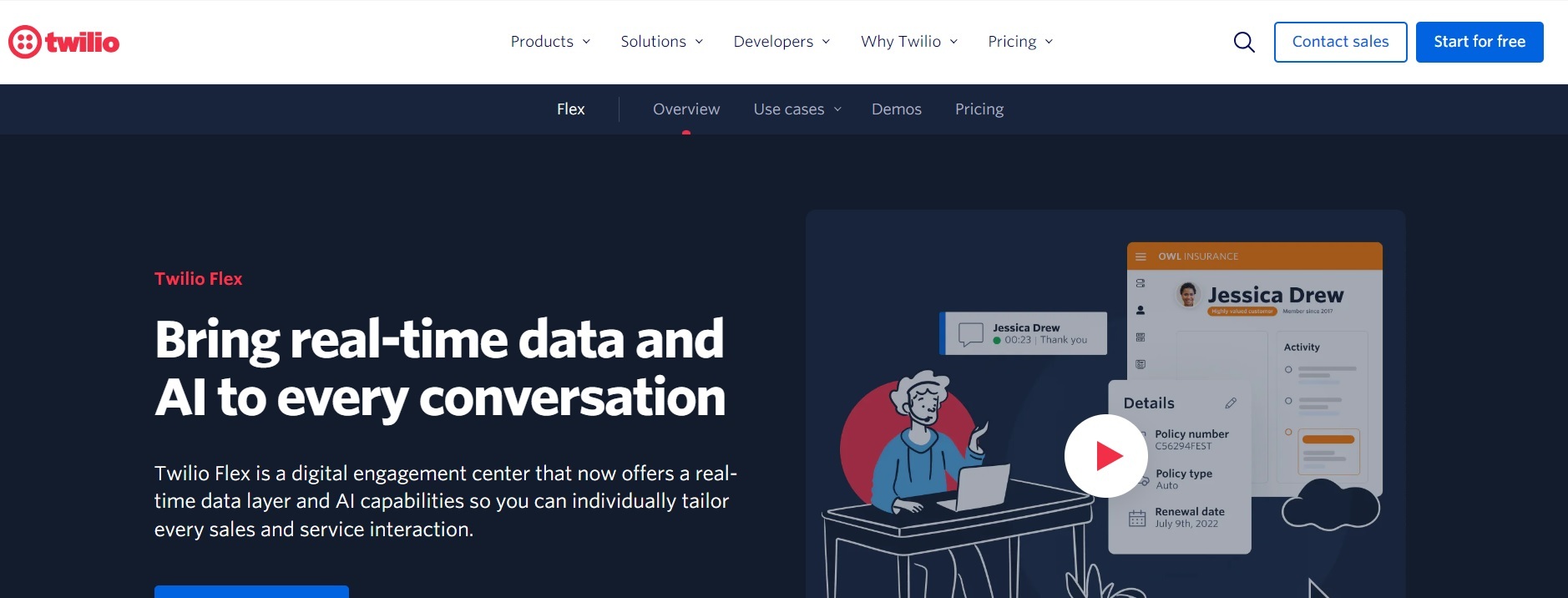
Twilio Flex was introduced in March 2018 to thousands of sales and customer support agents in companies such as Shopify and Scorpion.
What You’ll Like About Twilio Flex
- The Flex Conversations API makes the deployment of omnichannel experiences very simple, meaning businesses can easily deliver personalized customer support.
- Twilio Flex, with its updated UI, has an enhanced screen reader capability, keyboard navigation, and button labeling. This means there is an inclusive experience for agents.
- The Open API framework and customization capabilities mean businesses can tailor the platform to their specific needs.
What You Won’t Like
- The initial setup and configuration process may seem a bit complex for some users.
- Twilio Flex is a bit more expensive than other traditional contact center solutions.
- Customization and integration of this tool sometimes require significant development effort.
Pricing
- Free trial
- Per-hour pricing starts at $1 per active user per hour
- Per-user pricing starts at $150 per named user.
7. Keap
Keap is a keeper, especially if you are a small business and are looking for a comprehensive solution that offers a lot of customization opportunities. It is a powerful tool that can manage interactions across multiple channels, giving you CRM integration, automated follow-ups and campaign management functionalities.
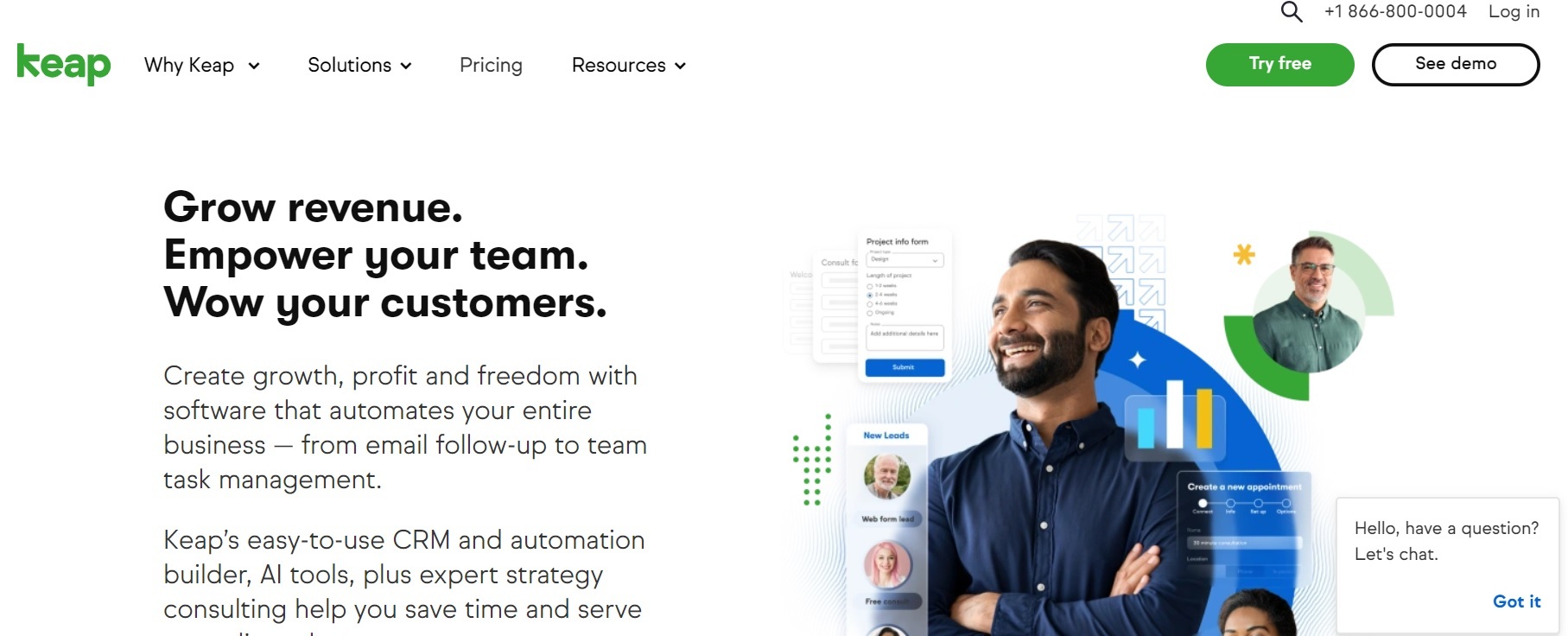
Keap started out as Infusionsoft in 2001, and it was created by brothers Scott and Eric Martineau in Arizona. The company rebranded itself to its current name in 2019 and is backed by leading names such as Goldman Sachs.
What You’ll Like About Keap
- Offers a customizable dashboard that you can use to track and manage customer interactions across multiple channels. This means businesses can better personalize their customer journeys.
- Keap easily integrates with various CRM tools, which allows businesses to unify customer data.
- Keap is known for its appointment scheduling and reminder features.
What You May Not Like
- Although we live in the era of Generative AI, Keap has limited AI-powered features that will enhance its automation capabilities.
- Advanced users will find the customization capabilities a bit lacking.
- There is a lot of room for improvement in Keap’s mobile app support, for people who interact with the app on-the-go.
Pricing
- Pro for smaller teams at $249/month
- Max for growing teams at $329/month
- Ultimate for larger teams at $499/month
Bringing It All Together
And there you have it. Some of the top omnichannel customer experience tools. Note that this list is not exhaustive, and there are new tools coming out every day that offer better features. As an organization, you should realize that merely having these tools in your arsenal will not guarantee that you will succeed in providing a great customer experience. You must have the will to use these tools to their maximum potential and go above and beyond the call of duty to ensure that the customers keep coming back to you.

Adarsh Kumar is the CTO & Co-Founder at Kommunicate. As a seasoned technologist, he brings over 14 years of experience in software development, artificial intelligence, and machine learning to his role. His expertise in building scalable and robust tech solutions has been instrumental in the company’s growth and success.